

Support desk
The Support desk tab holds the settings for support conversations your workspace imports from a helpdesk, whichever helpdesk they come from. It has one setting: whether those conversations are summarized by AI, whether you import them by hand or a helpdesk automation delivers them.
Key concepts
Summary. When a conversation is summarized, Productmind's AI reads it and extracts the feature requests, bug reports and sentiment in it. That is what turns an imported conversation into input for your product work. A conversation that isn't summarized is stored, but nothing is extracted from it.
The Support desk tab at a glance
In the sidebar, choose Settings, then Support desk.
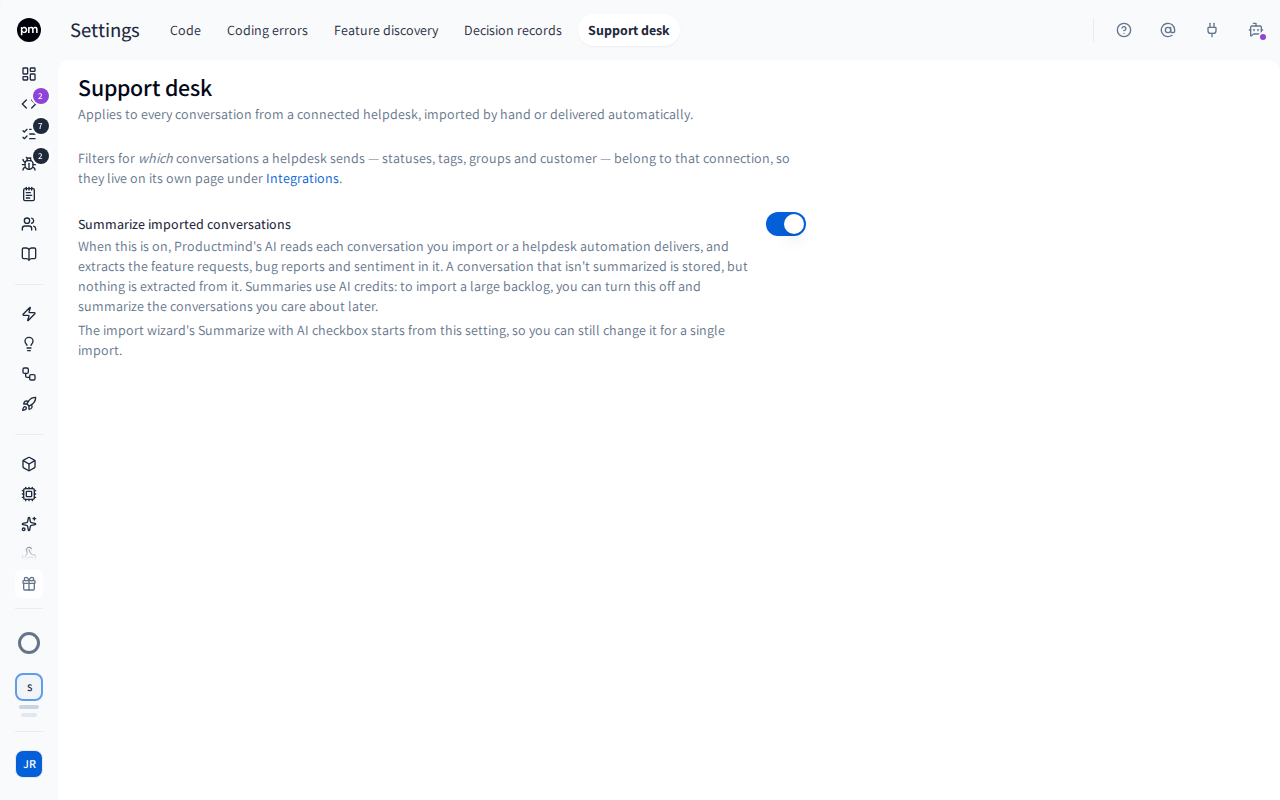
Summarize imported conversations is on by default.
Which conversations a helpdesk sends, by status, tag, group or customer, is set per connection instead, on the helpdesk's own page under Integrations. See Freshdesk and Zendesk.
Changing the setting
To turn summaries on or off
- In the sidebar, choose Settings, then Support desk.
- Turn Summarize imported conversations on or off.
The next time you open the import wizard, its Summarize with AI checkbox starts from the new setting.
How the setting behaves
It seeds the import wizard. When you import by hand, the wizard's Summarize with AI checkbox starts from this setting. You can change it for one import without changing the setting.
It applies to conversations delivered automatically. When a helpdesk automation delivers a conversation, it's summarized if this setting is on, with nothing to choose per delivery. A conversation that arrives again with new replies is summarized again; one that arrives with nothing new isn't. See Freshdesk and Zendesk.
Summaries run in the background. An import doesn't wait for them: each conversation updates in the list when its summary is ready.
Summaries use AI credits. Each summary uses several AI calls, which count toward your plan's AI credits, including the summaries of conversations delivered automatically. If you are importing a large backlog, you can turn this off, and summarize the conversations you care about by hand later. See Usage.
Permissions
| To | You need |
|---|---|
| See and change the support desk setting | The Owner or Admin role |